
For product teams
Feature demos, before the coffee gets cold.
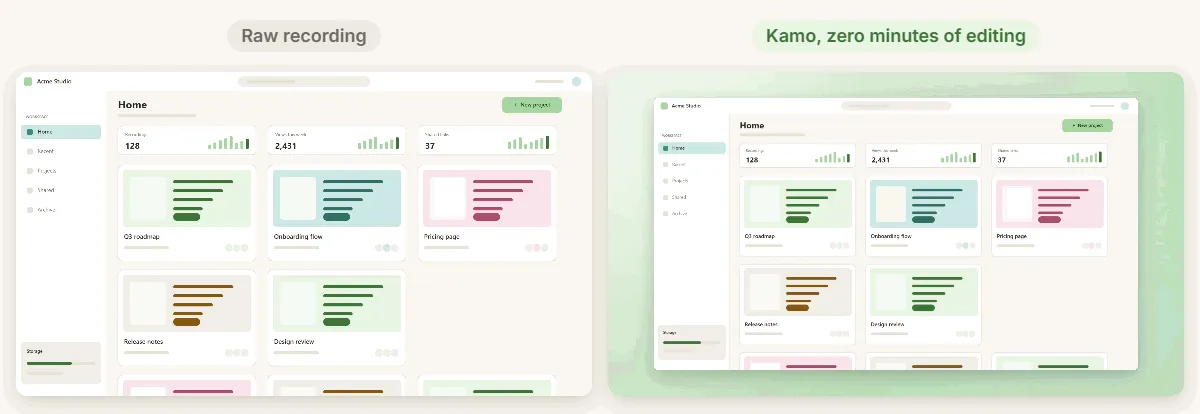
PMs, designers and PMMs record a demo for every release: release notes, Slack, LinkedIn, the docs. Kamo turns a quick screen recording into a video that looks produced.

Sound familiar?
The demo looks like it was recorded on a video call.
Nobody can see which button you clicked.
You need one version for the docs and another for LinkedIn.
How Kamo helps
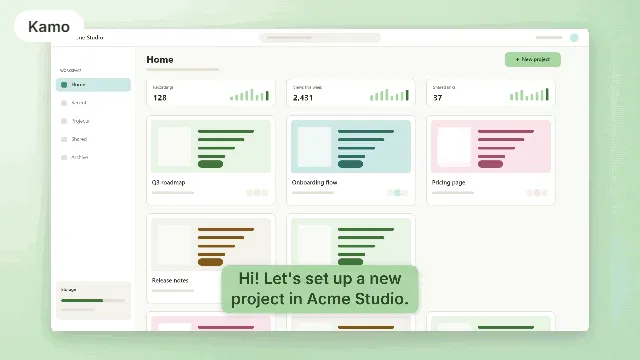
Every click is a zoom
Viewers see exactly where you clicked, and you never touch a keyframe.
16:9 and 1:1 at once
One for the docs and the changelog, one for the feed. Same timeline, exported together.
No account, no upload
Unreleased features stay on your machine until you decide to share them.
Your agent drafts the release note
With the local MCP, Claude Code reads the transcript and the clicks of your demo and drafts the release note or the help article.
Our recipe
- 1
Record a window, not the whole screen: less noise, sharper zooms.
- 2
Click on purpose and pause a beat after each click.
- 3
Keep a calm wallpaper and a little padding.
- 4
Export 16:9 for the docs and 1:1 for LinkedIn.
See also

Try it on your next recording.
Free, open source, no account. Your first edited video is one download away.