v0.1.0 for Windows · free & open source
Hit record.
It's already edited.
Kamo is a free screen recorder that zooms in on every click, smooths your cursor and frames it all like a designer did. You spent zero minutes. And your AI agent can read every take.
v0.1.0 · 110 MB · Windows 10 (2004+) and 11, 64-bit · Mac and Chrome extension coming soon
- 100% local
- Zero telemetry
- No watermark
- MIT license


Click anywhere. He's quick.
Try it right here
Click the screen. Kamo does the rest.
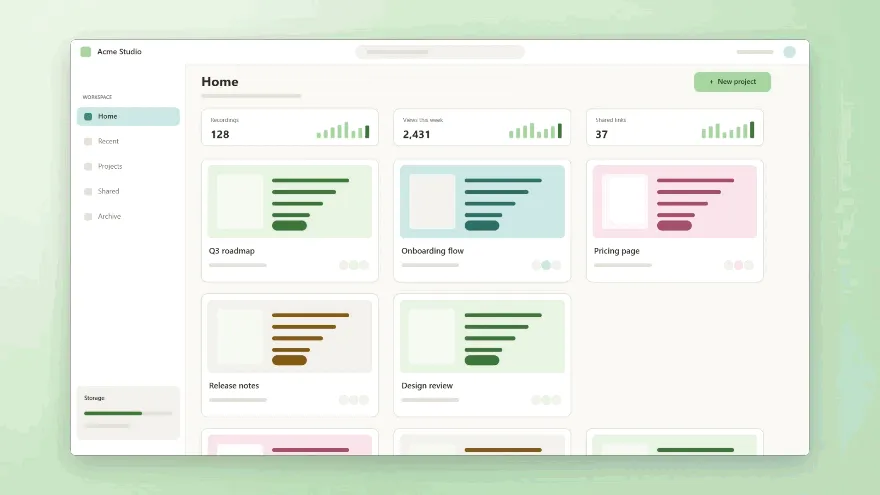
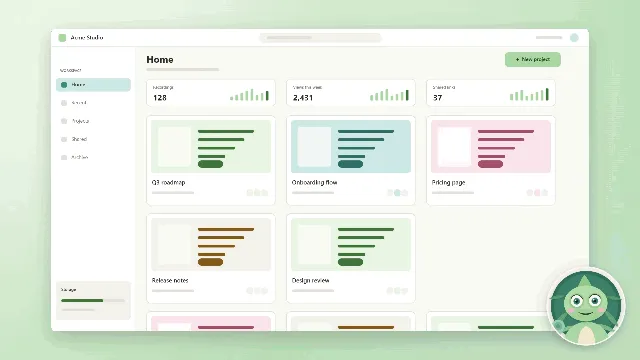
This is how every recording feels: each click becomes a spring-loaded zoom, the cursor glides instead of shaking, and the frame comes with background, corners and shadow already on.
How it works
Four steps. You only do two.
- TAKE 01
Record
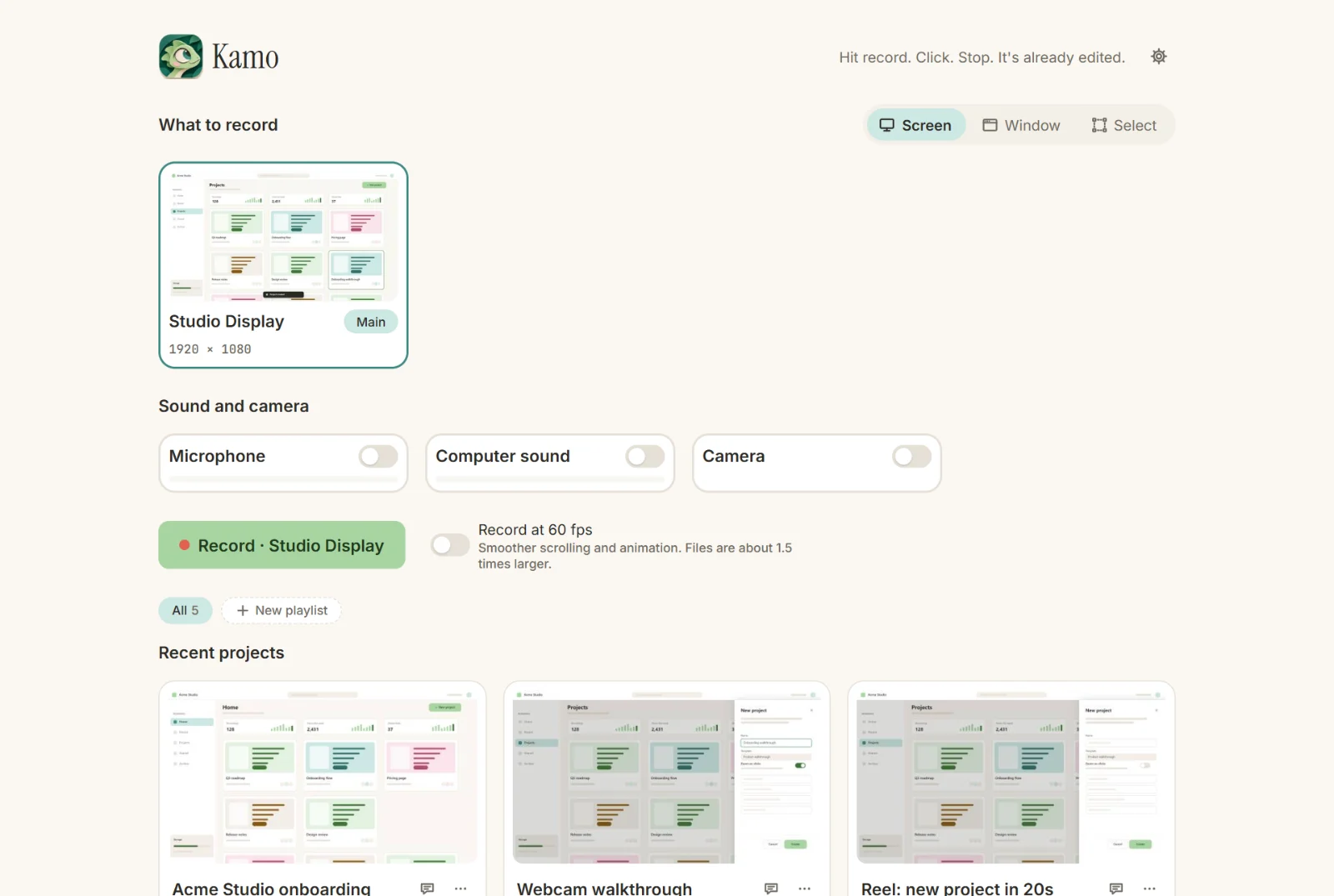
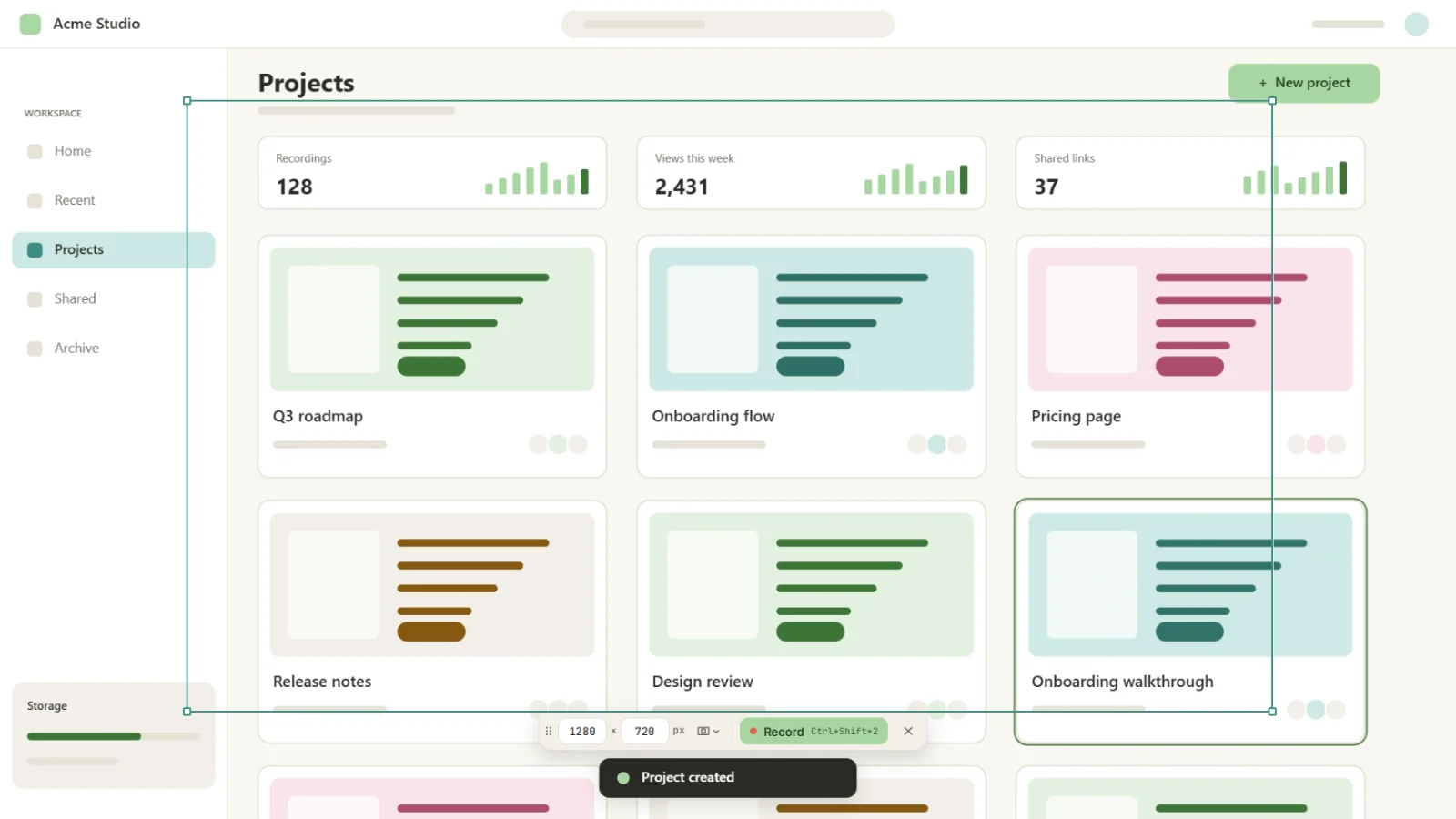
The whole screen, a window or a selection. Mic, computer sound and camera are one toggle each.
1× - TAKE 02
Click
Just use your app. Kamo watches the mouse. Never the keyboard.
- TAKE 03
Zoom
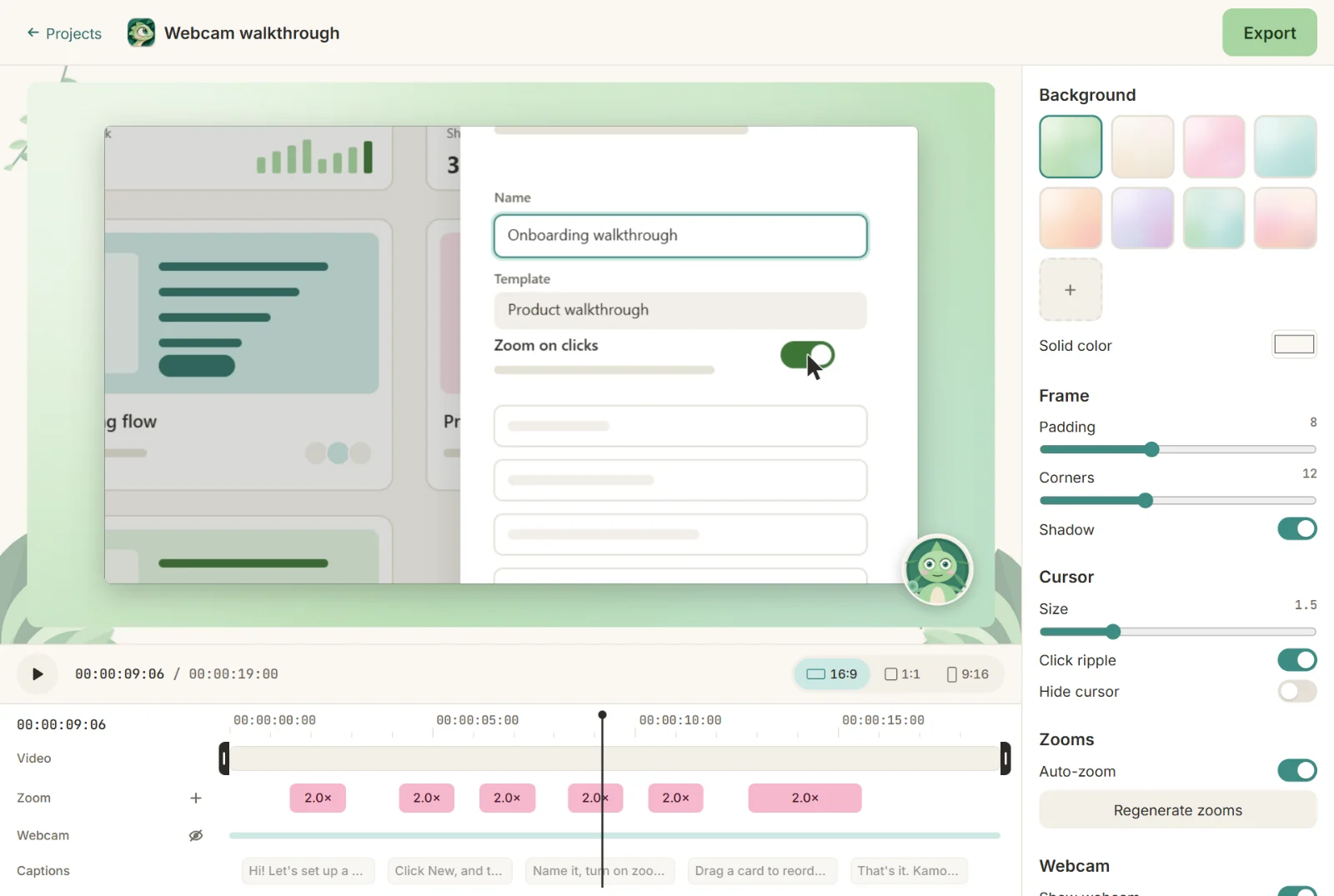
Every click becomes a smooth spring zoom. Nearby clicks share a shot, so the camera never jumps.
- TAKE 04
Export
MP4 up to 4K60, GIF and .srt captions, in 16:9, 1:1 and 9:16 at once.
2×
One take, every format
Record once. Post everywhere.
16:9 for YouTube, 1:1 for the feed, 9:16 for Reels and Shorts, exported together from the same timeline. In the crop formats, the frame follows your clicks.
- MP4 up to 4K 60fps
- GIF for READMEs
- .srt captions
- Preview = export
- No time limit
Capture modes
- Whole screen
- Window
- Screen area
- Browser tab · soon
- Camera + mic
- Computer sound
- Local transcription
- Via MCP
Features
Looks like an hour of editing. Took zero.
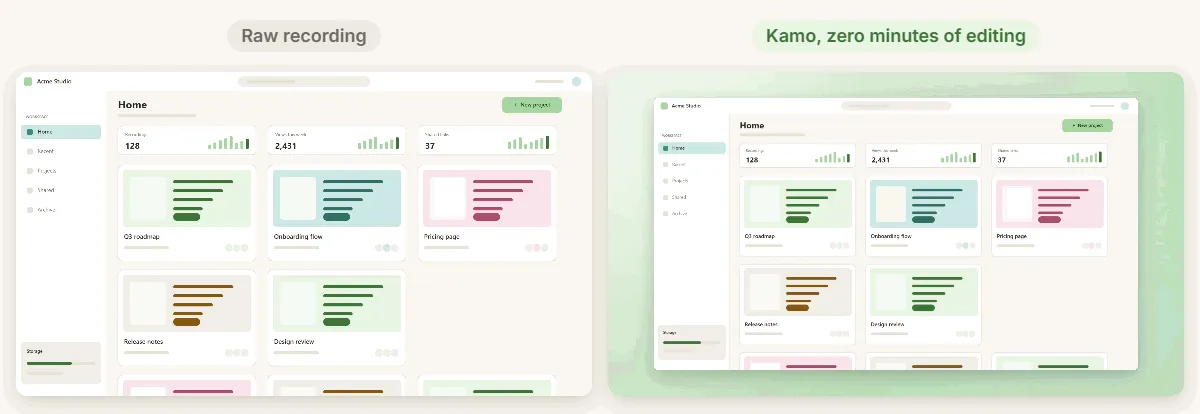
Raw recording vs. Kamo
Left: a tiny, shaky cursor on a flat screen. Right: the same take after Kamo. Nobody touched an editor.
Webcam bubble
Round, square or wide, in any corner. It shrinks while the camera zooms and comes back after. In 9:16 it can be its own card.
Captions in 12 styles
Transcribed on your computer by an optional pack you only download if you want it. Fix a word on the timeline and the transcript follows.
Your own wallpaper
Drop a PNG, JPG or WebP. Kamo copies it into the project and crops it to fit every format.
A cursor that glides
The system cursor stays out of the recording. Kamo redraws it from the mouse path: bigger, smoother, with a little ripple on each click.
Everything is editable
Drag, stretch or delete zooms on the timeline and trim the ends. Your manual zooms are never overwritten, and the original video is never touched.

For your AI agents
The smart camera for your agents.
Kamo ships a small local MCP server, so Claude Code (or any MCP client) can talk to what you recorded: transcripts, the click timeline, the zooms and a screenshot every 5 seconds.
- Read-only
- No network
- Runs on your machine
Once it's on npm, it's one line
$ claude mcp add kamo -- npx -y @kamo/mcp --dir ~/Kamonpm@kamo/mcp lands on npm soon. Until then, the guide shows how to run it from source. The app shows this exact command, with your folder already filled in, under Settings → Connect to an agent.
Full MCP guide →Find the recording where I explained the billing settings and write step-by-step docs from it.
You
Agent

kamo.search_recordingskamo.get_transcriptkamo.get_click_timelinekamo.get_frame
Found it: “Billing settings walkthrough”, 2:41. Here are the 6 steps, with a screenshot at each click…

Kamo
Your recordings
MCP
- Agents
- IDEs
- Automations
- Your tools
Use cases
Made for people who record every week.
Same app, three very different videos. Pick yours and see the setup we'd use.
Private by default
Your screen is your business.

100% local
Recording, editing and exporting work offline, with no account.
No telemetry. None.
Not even “anonymized”. The app has no analytics at all.
Nothing leaves your machine
Unless you send it yourself. Your files live in a folder on your disk.
Mouse only, never the keyboard
Kamo records clicks and movement, not keys. CI checks it on every pull request.
Light download
Heavy stuff, like the transcription model, comes as optional packs, only when you ask.
Open source, MIT
Read every line, fork it, ship it. The whole app is free, with every feature.
Desktop or extension?
Same engine. Two doors.
Same editor, same export. The difference is what each one can record.
| Feature | Desktop appWindows · Mac soon | Chrome extensionChrome · Edge · Brave · Arc — soon |
|---|---|---|
| Whole screen, window or selection | ||
| A browser tab | as a window | |
| Microphone and system / tab sound | ||
| Webcam bubble and split 9:16 | ||
| Auto zoom, spring camera, smooth cursor | ||
| Local transcription and captions | ||
| 4K and 60fps export | up to 1080p30 | |
| Readable by the local MCP |
Want a link instead of a file?
An optional cloud for when you need it. The app stays free and complete, forever.
Follow on GitHub- Your recordings on any device
- Share by link
- Playlists
- Cloud MCP that creates links and playlists
Global from day one
Kamo speaks your language.
The app speaks 5 languages and this site 8, with more on the way. Dates, numbers and durations follow your locale. Native speaker? Reviewing translations is one of the most useful ways to help.
FAQ
Questions, answered.

Is it really free?
Yes. The app is free and open source (MIT) with every recording, editing and export feature. No watermark, no time limit. Only the optional cloud will have a plan, because storage costs money.
Windows says “Windows protected your PC”. Is that OK?
The installer isn't code-signed yet, so SmartScreen warns you. Click More info and then Run anyway. After that, Kamo updates itself in the background, never mid-recording.
When is the Mac app coming?
Soon. The code already builds for Apple silicon; it's waiting on testing on real Macs and signing. The Chrome extension is close behind and will also run in Edge, Brave and Arc.
Does Kamo see what I type?
No. Kamo only listens to the mouse. It never captures the keyboard, and the extension never reads the page you record. The CI checks this on every pull request.
Do I need an account?
No. Recording, editing and exporting work 100% offline, without any account.
What is MCP and why would I want it?
MCP is the protocol AI agents use to talk to tools. Kamo's local MCP server lets Claude Code (or another client) search your transcripts, read the click timeline and grab screenshots, so you can say “turn this recording into docs”. It's read-only and never touches the network.
Does it run on Linux?
The desktop app doesn't, for now. The upcoming Chrome extension will run on Linux in Chromium browsers.

Now go record something.
Free, open source, and patient like a chameleon.
Windows 10 (2004+) and 11, 64-bit Mac · coming soon Chrome · coming soon